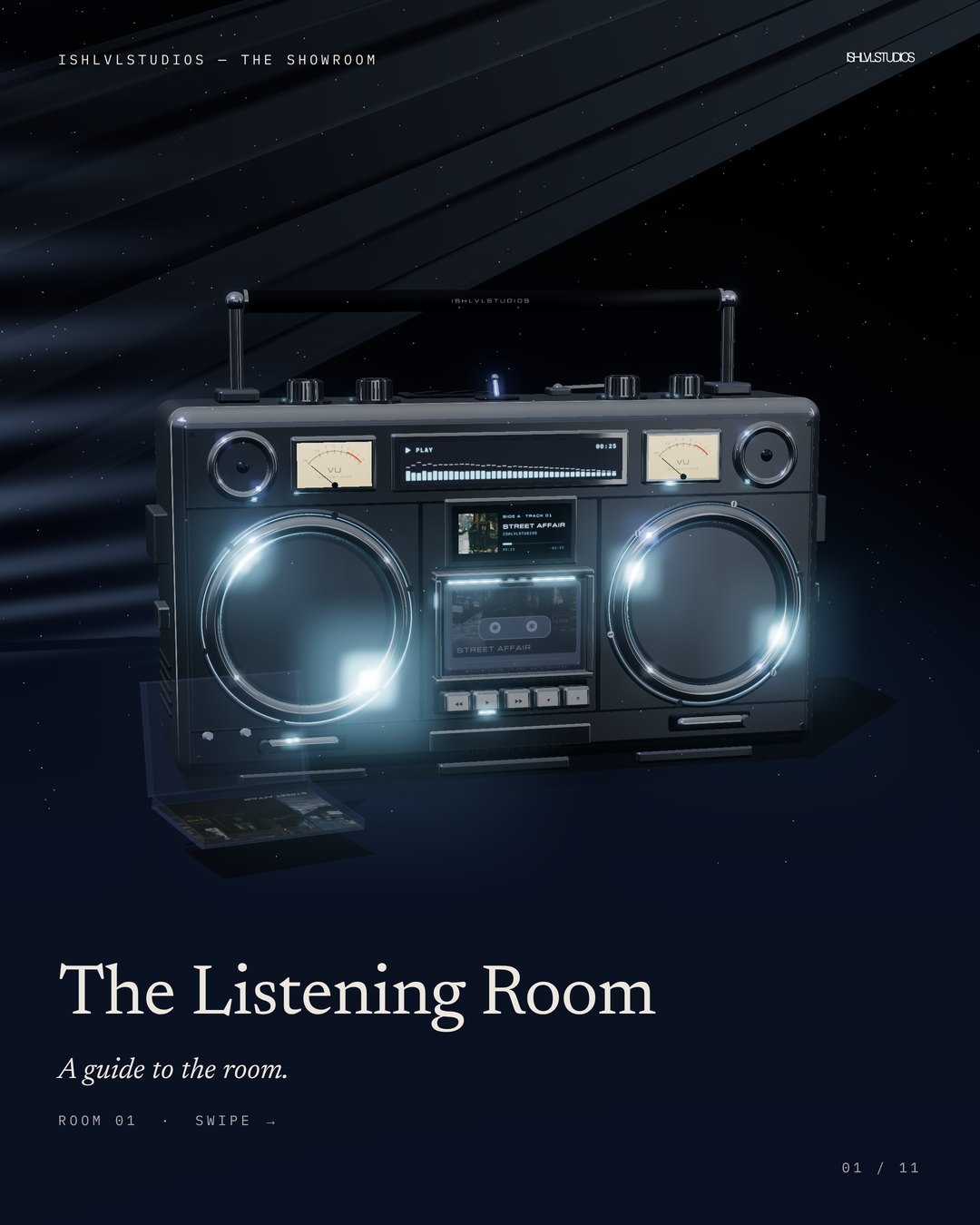
A song you can hold, not just stream.
Streaming turned releases into a row of thumbnails. The brief for Room 01 was to give one song a physical home again: a room where tape, CD and vinyl are objects you load and play with your hands, built so an artist, label or producer can hand fans a release they step inside.
- Physical first. Every case, sleeve and disc is an object you pick up. Loading the music is part of hearing it.
- Really playing. Each player plays the actual track, and its meters and displays move with the audio.
- Everywhere. The same room on a desktop, a tablet and a phone.
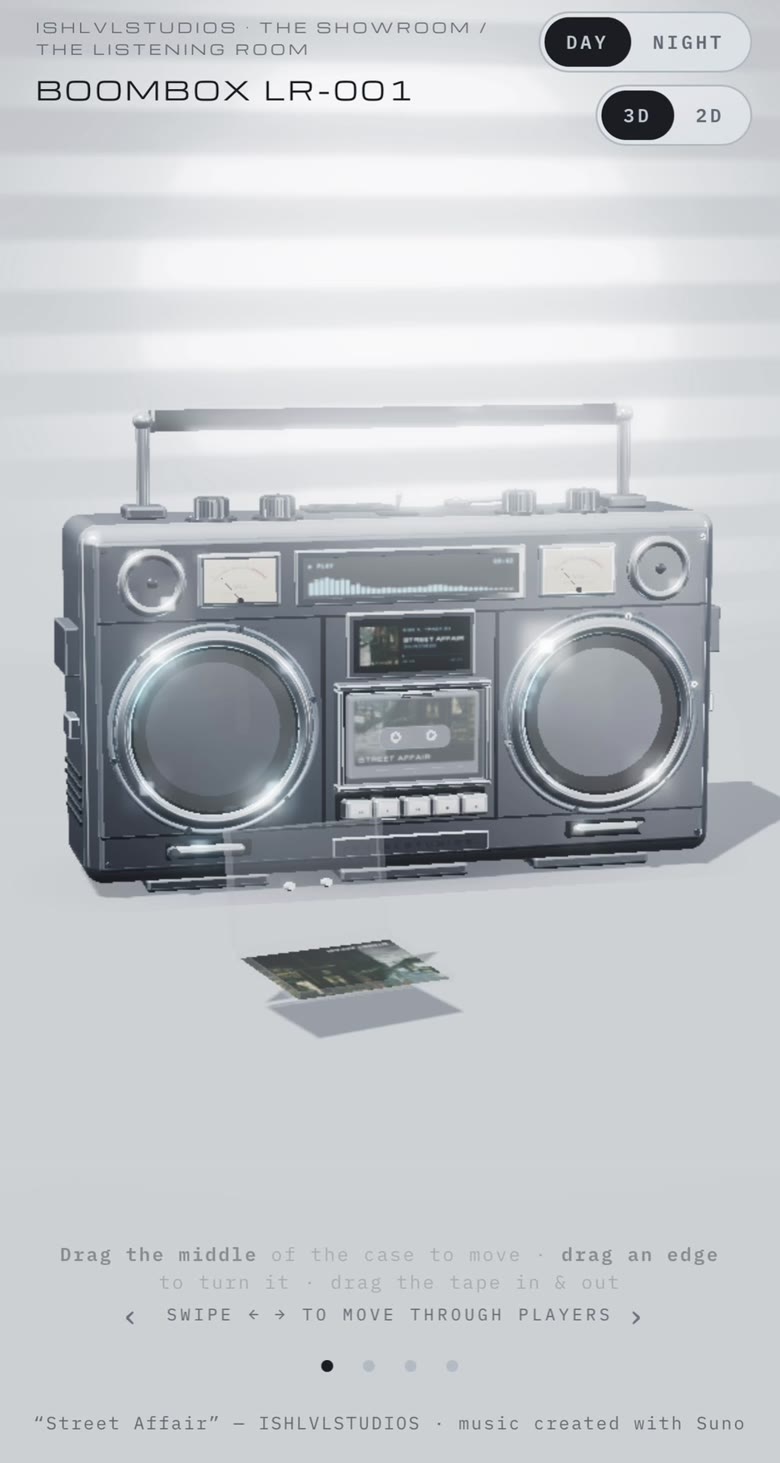
Four players. One song.
The room opens in daylight, with sun coming through the blinds. Four chrome players sit in it, catalogued LR-001 to LR-004. Swipe or use the arrow keys to move between them, and the song, “Street Affair” by ISHLVLSTUDIOS, keeps playing as you go.
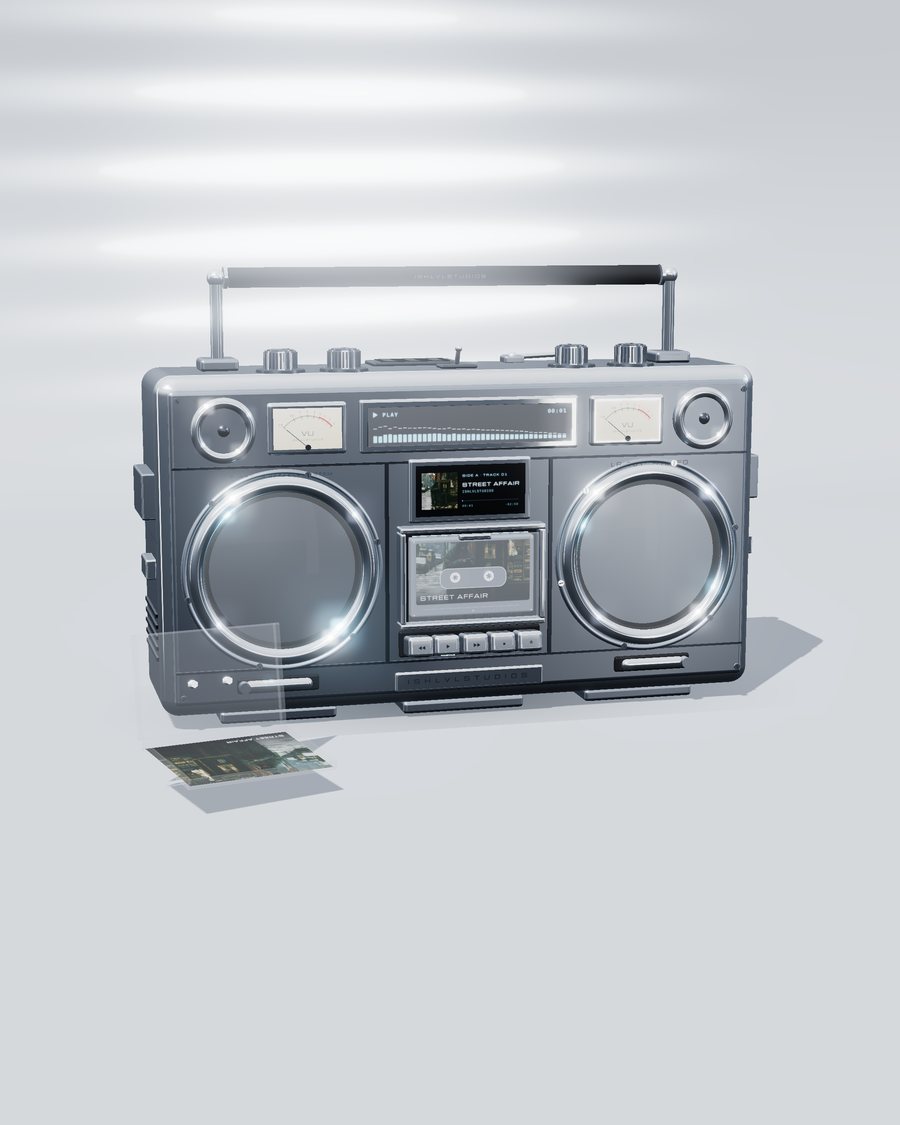
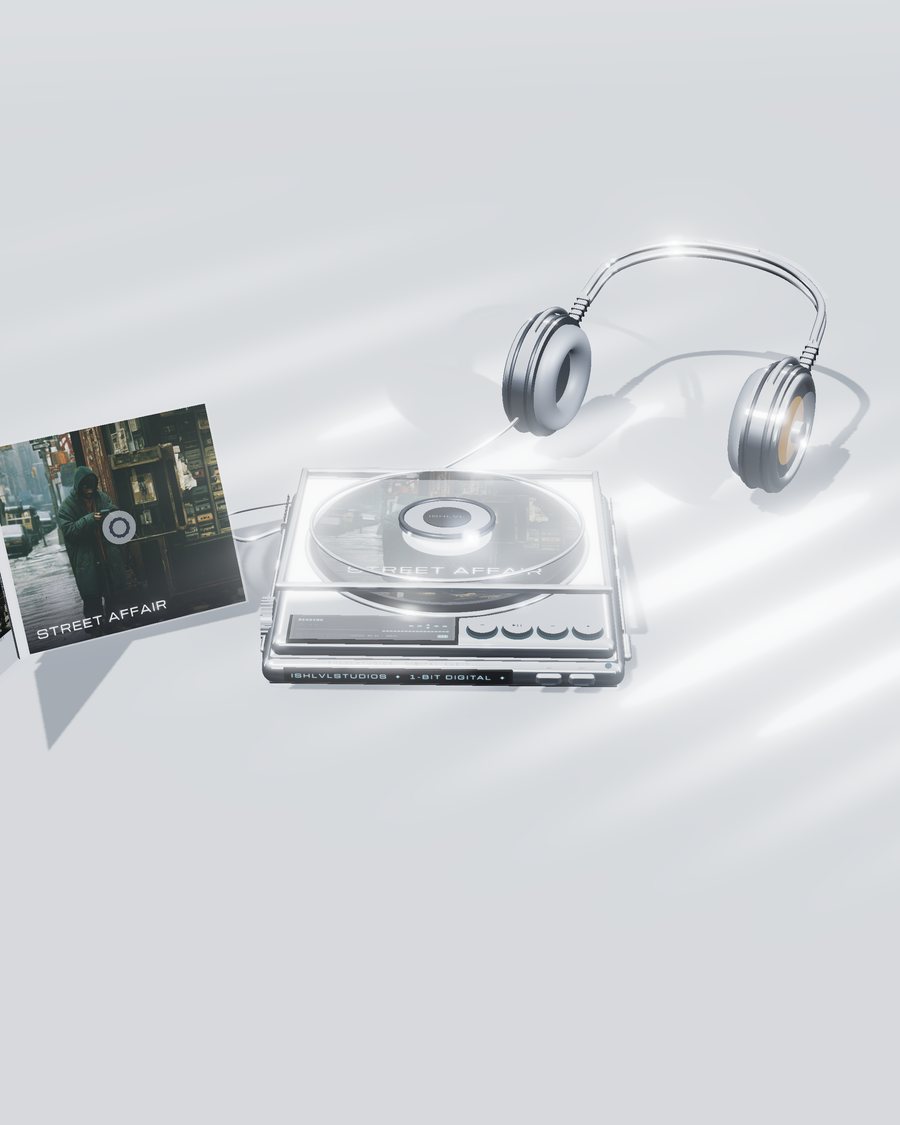
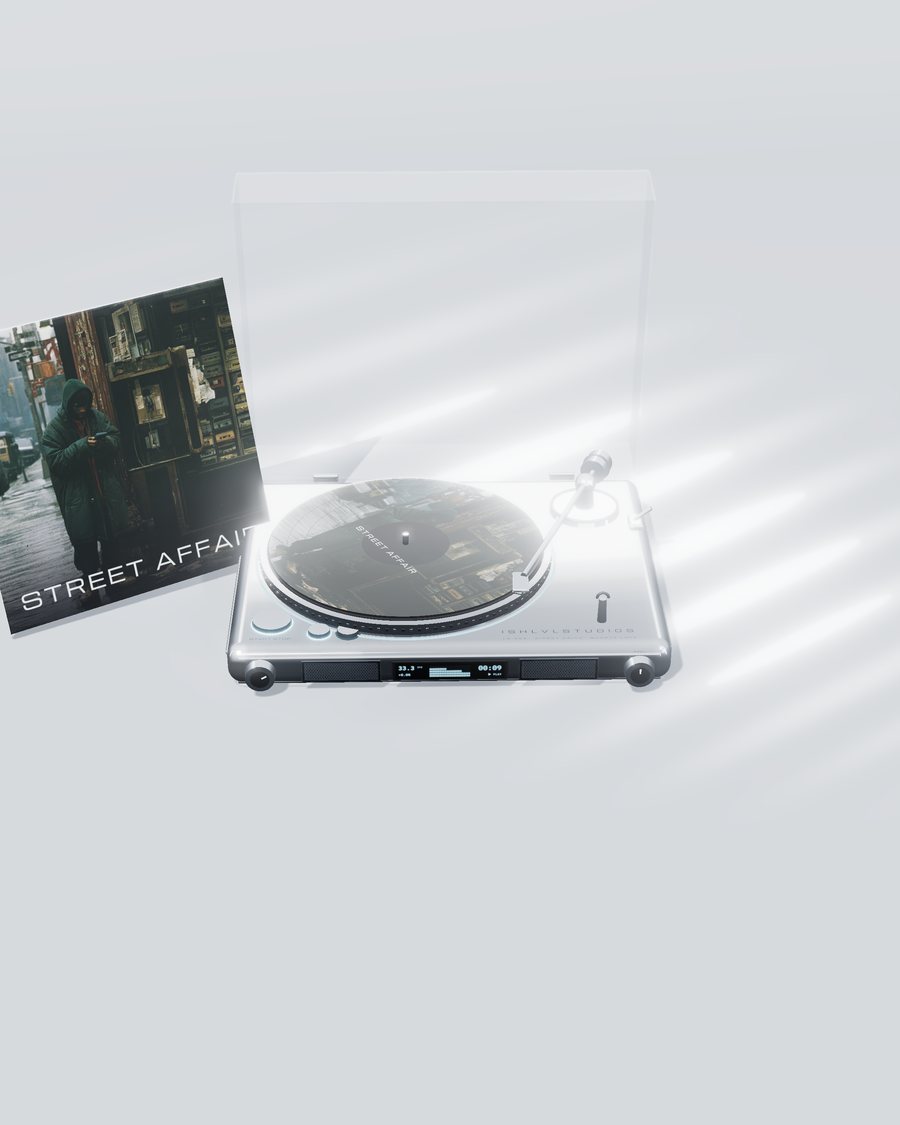
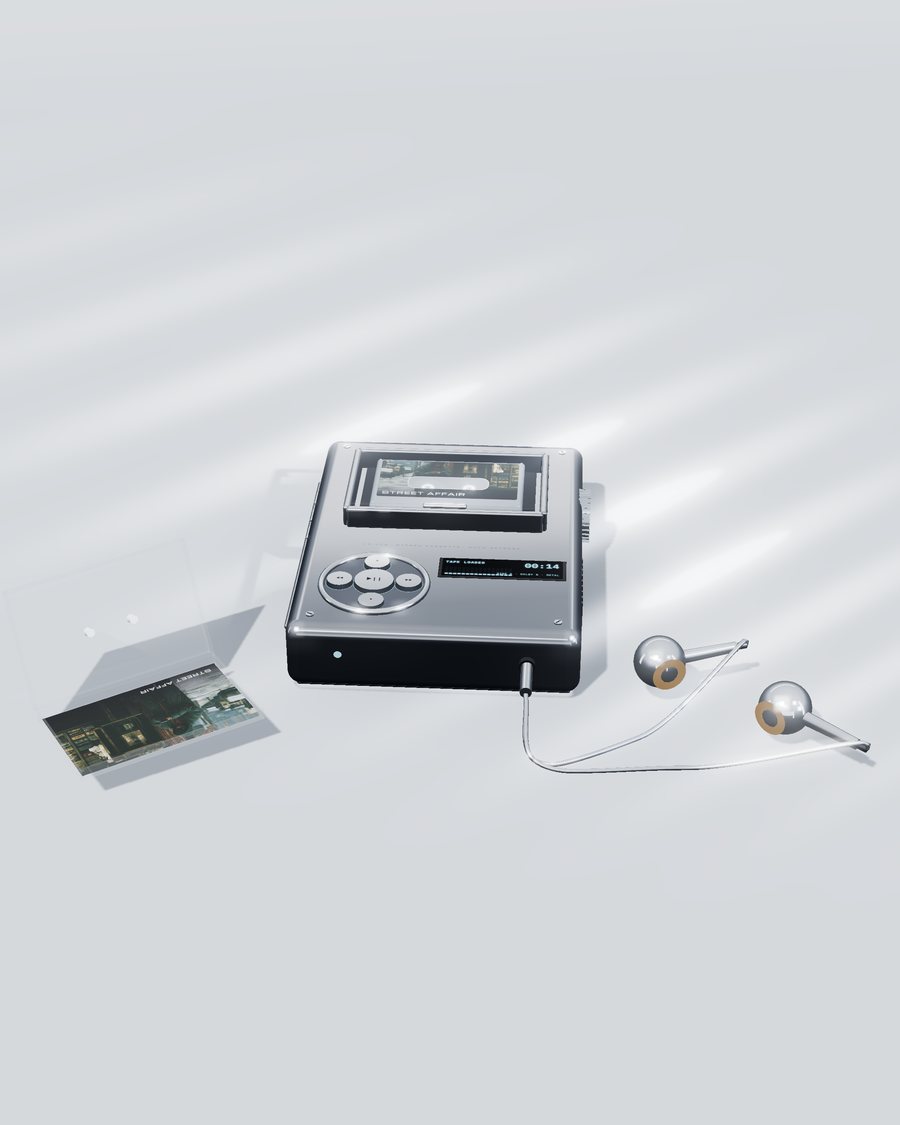
Nothing here is a picture.
Every case, sleeve, disc and tape is a real object in the room. You open it, take the music out and carry it to the player yourself, and the player's display tells you what to do next.
- Move and turn. Drag the middle of an object to move it, drag an edge to turn it, pinch or scroll to bring it closer.
- Open it. Tap to open the cassette case or jewel case, or tap the sleeve to slide the record out.
- Load it. Drag the tape into the deck, the disc onto the player, the record onto the platter. Drag it back out to eject.
- Guided by the player. Displays read Open the case, Release to load and Press play as you go.
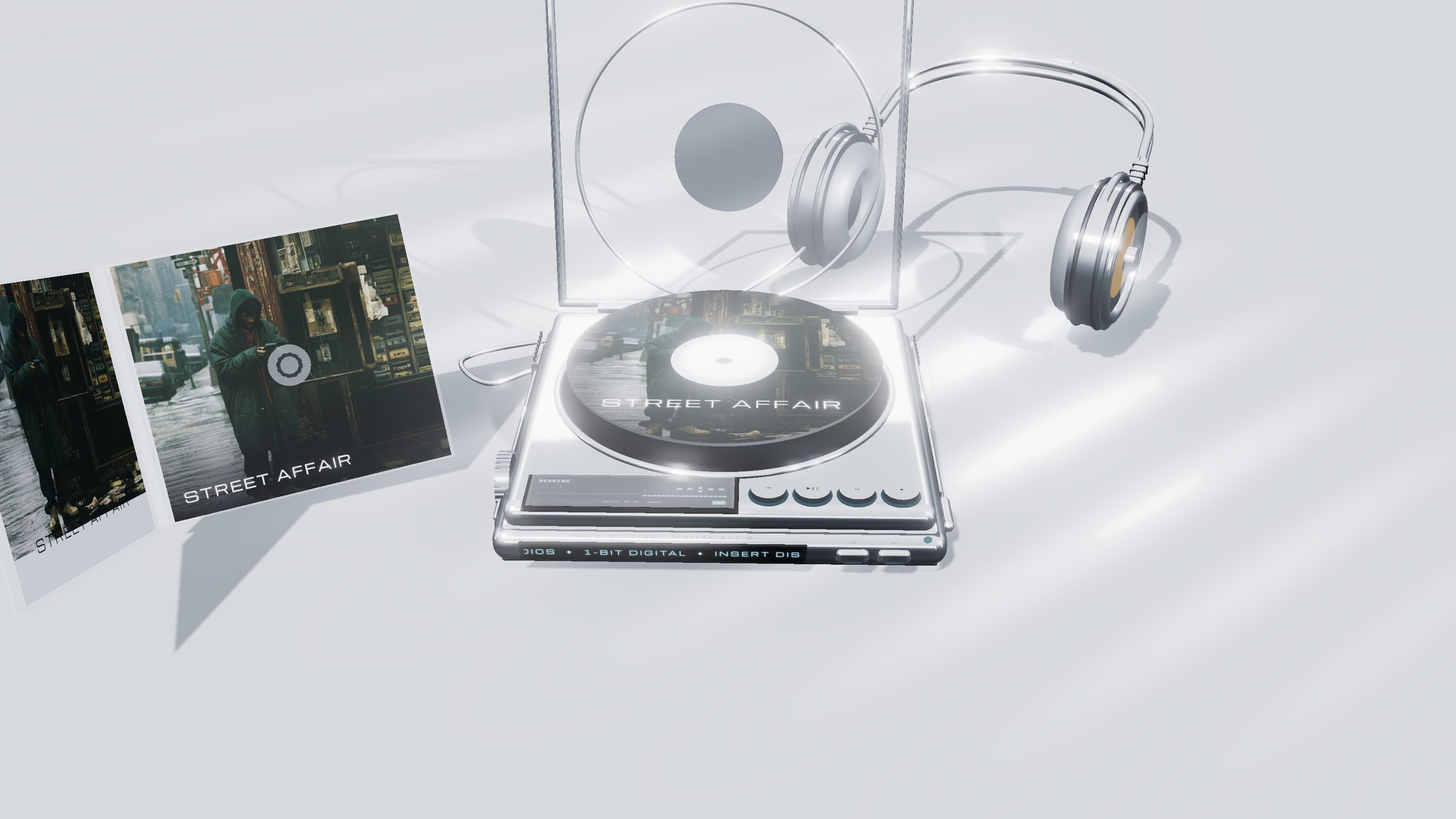
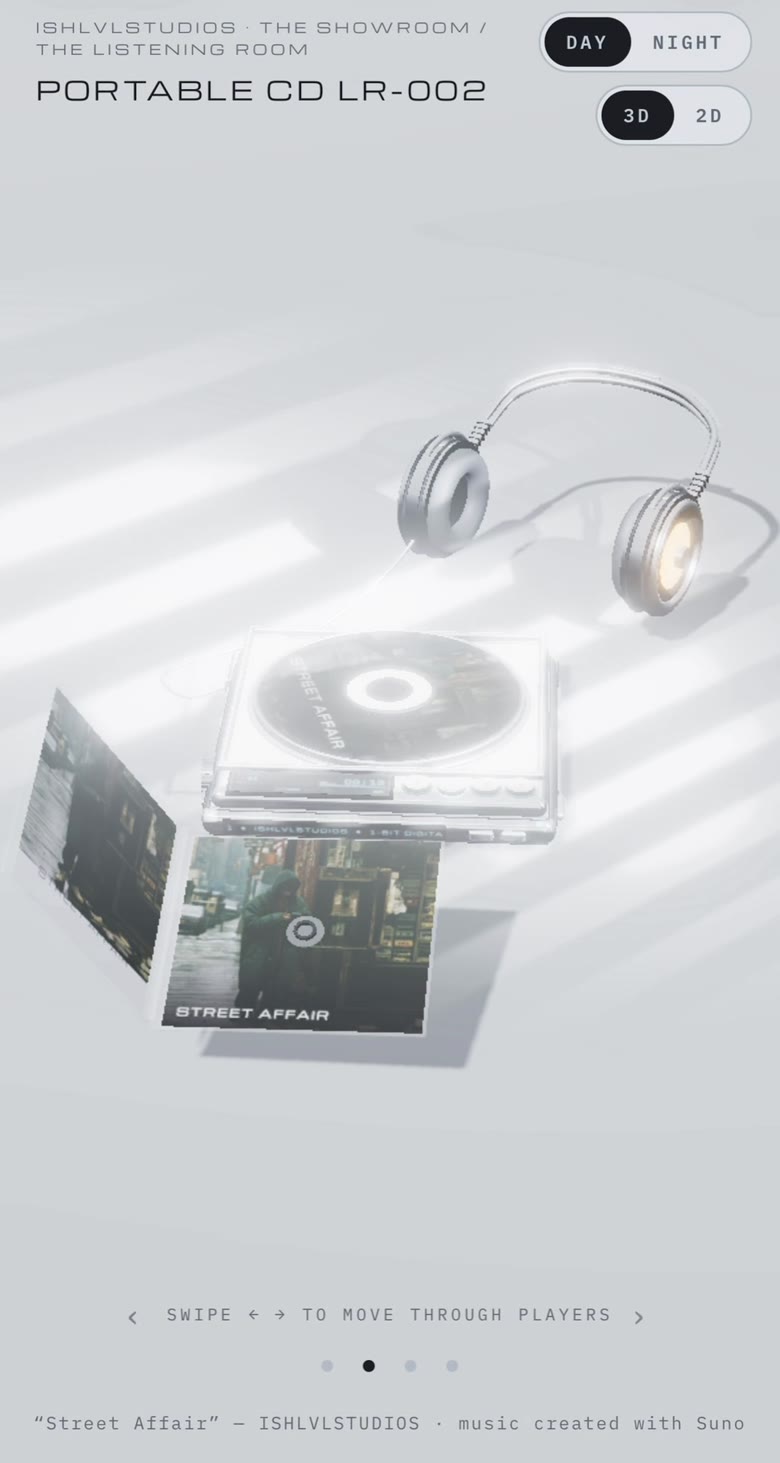
The Portable CD, by day: the jewel case open, the disc on the player, the headphones ready.
Built like the real thing. Played like it too.
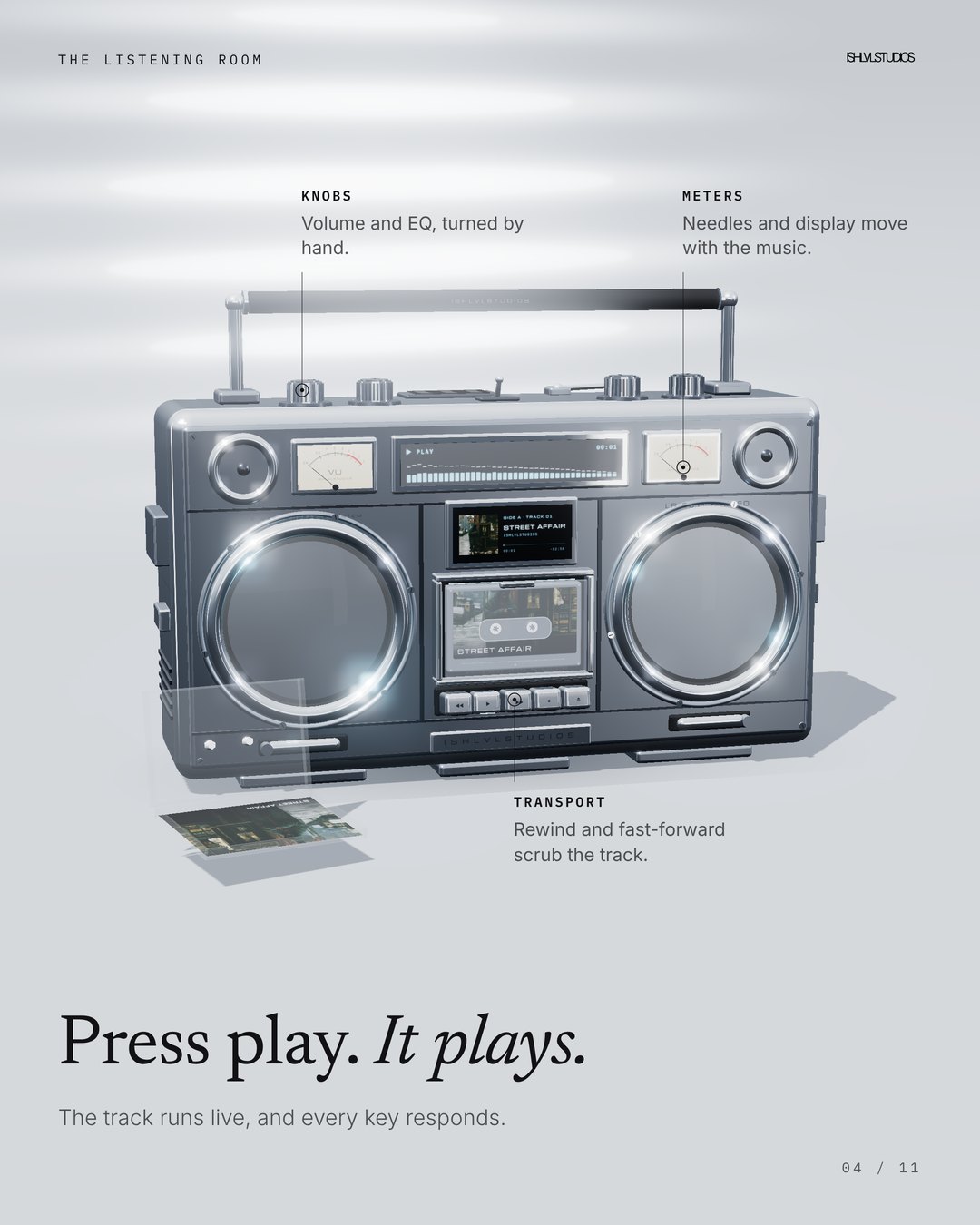
Each player has its own controls, and they all do something. Nothing is decoration.
Dials, meters and a deck
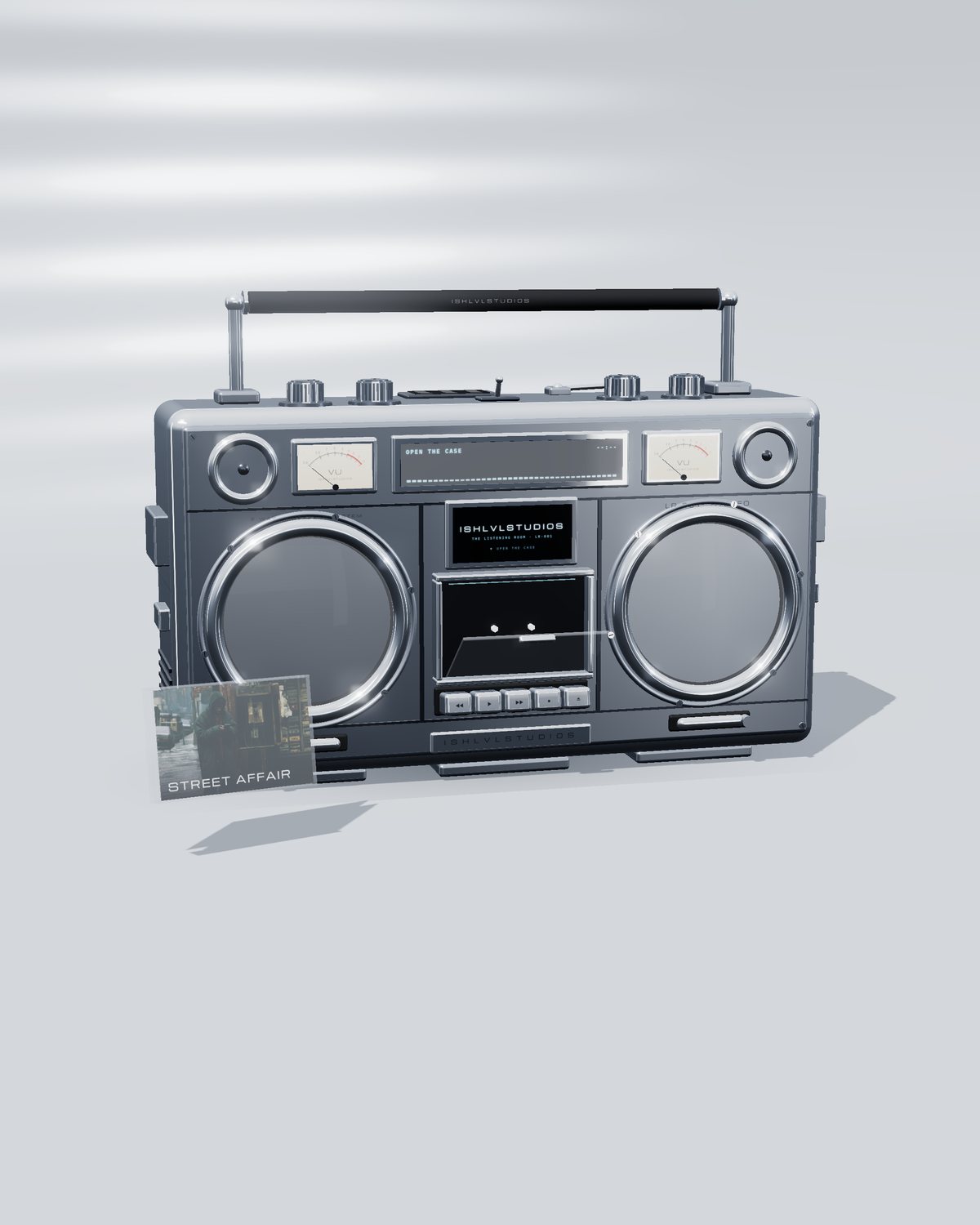
Drag the cassette into the deck and back out to eject. Turn the volume, bass, treble and pulse dials, raise the antenna, and watch the VU meters and spectrum display move with the music.
Four sounds and repeat
Lay the disc down and tap it to play or pause. Switch between four EQ settings, Flat, D-Bass, Vocal and Bright, turn repeat on, and roll the volume wheel.
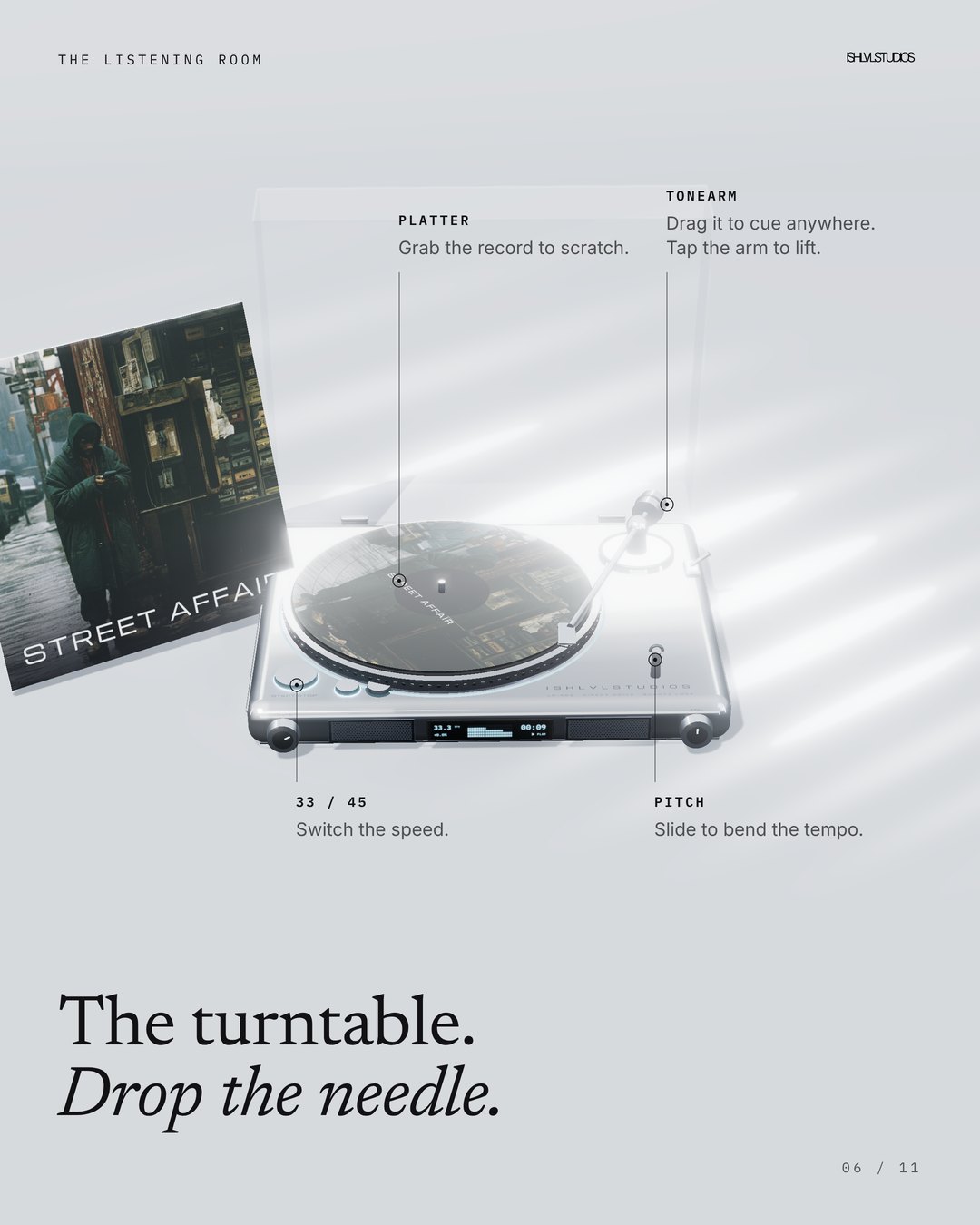
Drop the needle anywhere
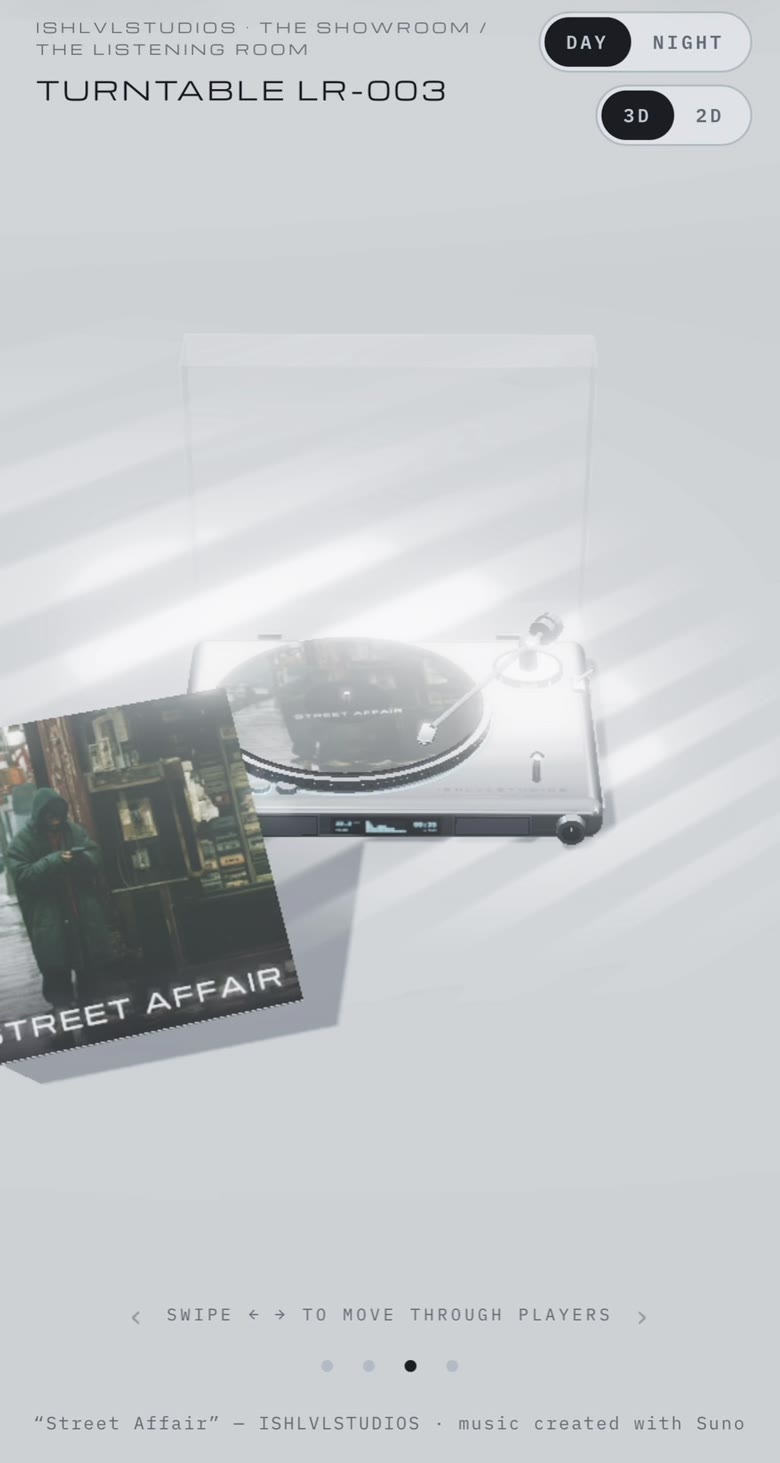
Drag the tonearm to cue any point in the song, grab the spinning record to scratch, switch between 33⅓ and 45, and bend the tempo with the pitch control. The lid opens and closes.
A tape for your pocket
Open the case, drag the tape in and back out to eject. Press the D-pad, roll the volume wheel, and watch the reels turn in the window.
On iPad, in Safari, the room did not behave the way it did on a desktop or a phone, and the glitches showed up exactly where the hands-on moments happen.
Touch and layout were reworked for iPad and Safari, then the room was re-tested on each device, so loading, turning and playing feel the same on every screen.
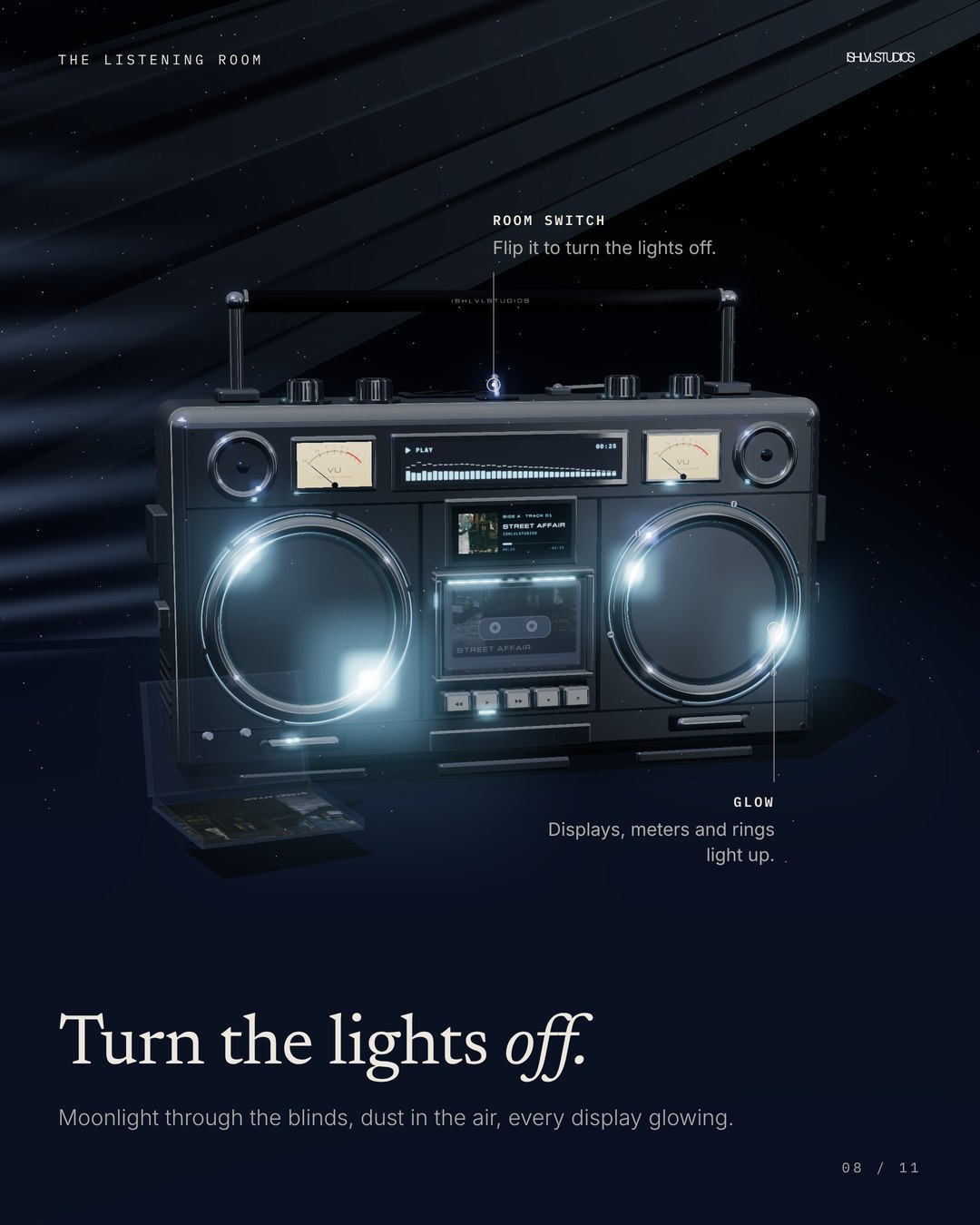
Flip one switch. Lights off.
The room switch on top of the boombox turns day into night. Moonlight comes through the blinds, dust hangs in the air, and every display, meter and ring on the players starts to glow.
- Room switch. One switch changes the whole room, on every player.
- Moonlight and dust. Light through the blinds and dust drifting in it.
- Glow. Displays, meters and speaker rings light up in the dark.
- 3D and 2D. Turn the players in 3D, or switch to a flat 2D view.
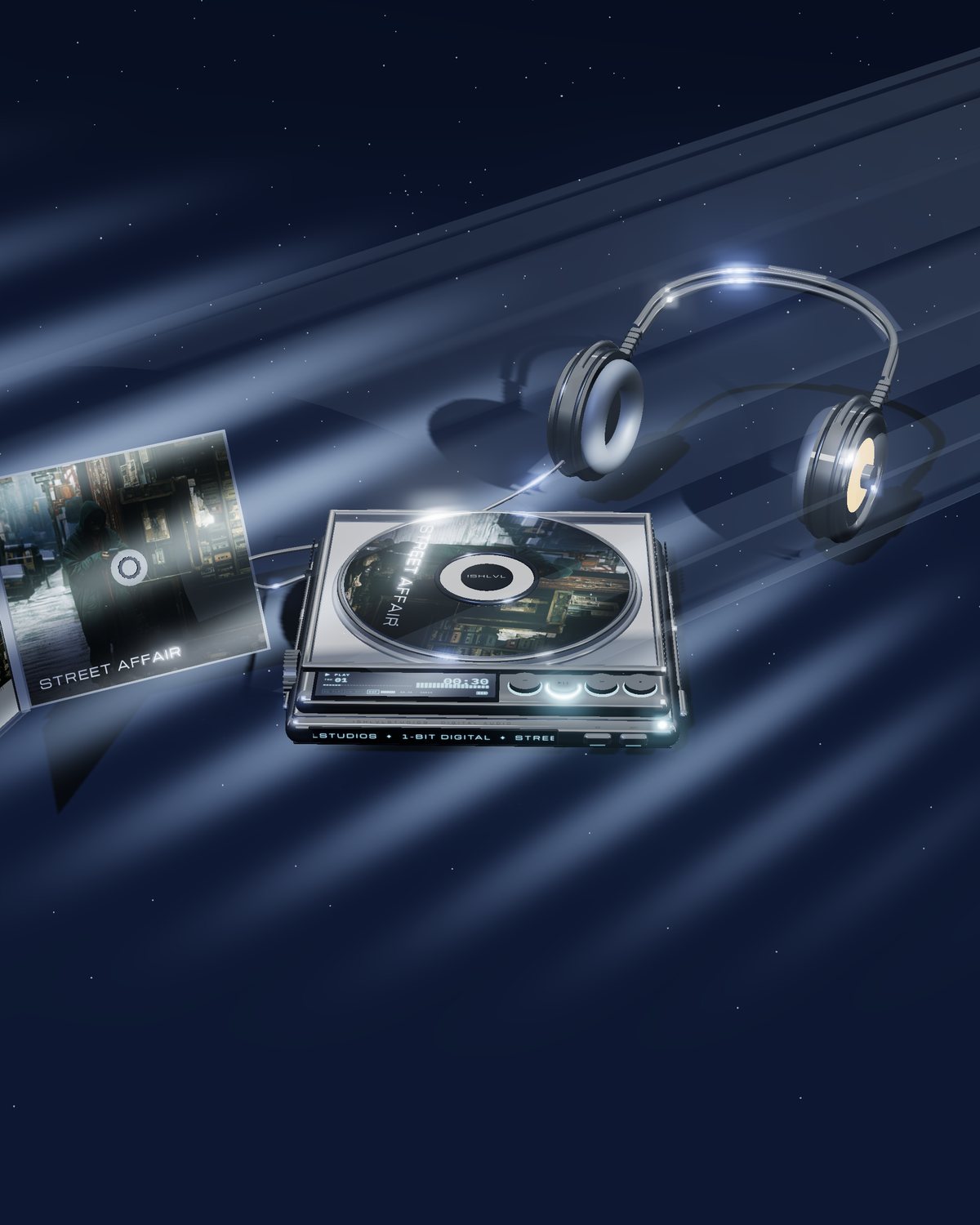
Made for a thumb, not just a mouse.
Most people meet a release on a phone. So the phone version has its own layout, built for a tall screen, not shrunk down from the desktop.
- A layout for tall screens. On a phone held upright, each player and its music are arranged to fit the screen.
- Smooth touch. Swipe between players, drag and turn objects, pinch to bring them closer.
- Kept light. Graphics are tuned for phones and tablets so the room stays smooth.
- Tested on real devices. iPhone 15, iPhone 17 Pro Max, Samsung Galaxy S26 and iPad.
A room you can hand to someone.
The launch kit shows people how the room works before they step inside: a vertical guide film for Reels and Stories, and an 11-slide guide carousel for Instagram and LinkedIn that walks through every player and the night switch.