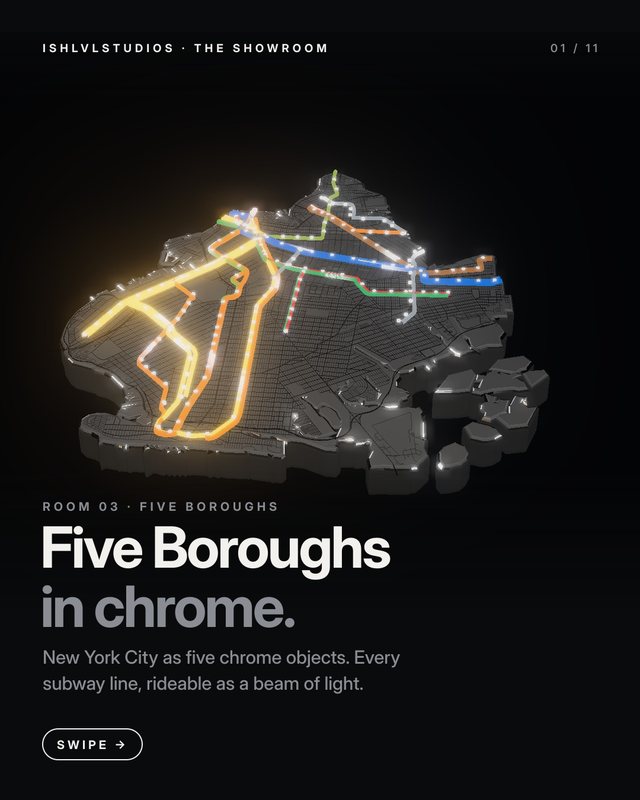
A transit map that feels like an object, not a diagram.
Subway maps are built to be read, not felt. The brief for Room 03 was to make New York something you could pick up: five pieces you can turn in your hand, snap together into one city, and then ride from the inside, without losing the accuracy a New Yorker would expect.
- Accurate first. Real routes, real stations, real service patterns, down to which trains skip which stops.
- Tactile second. Chrome, glass and light, tuned so it reads by day and at night.
- Everywhere. Smooth on a phone, and inside the apps where people actually tap links.
Five objects. One city.
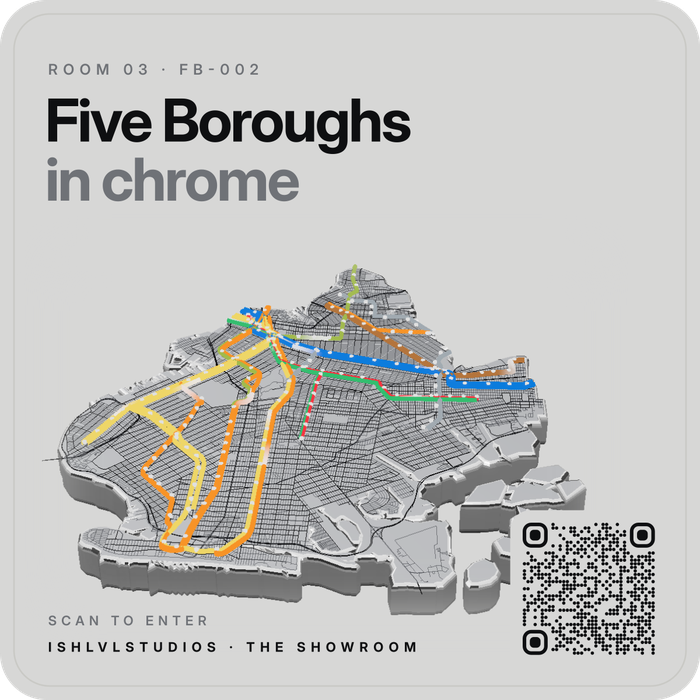
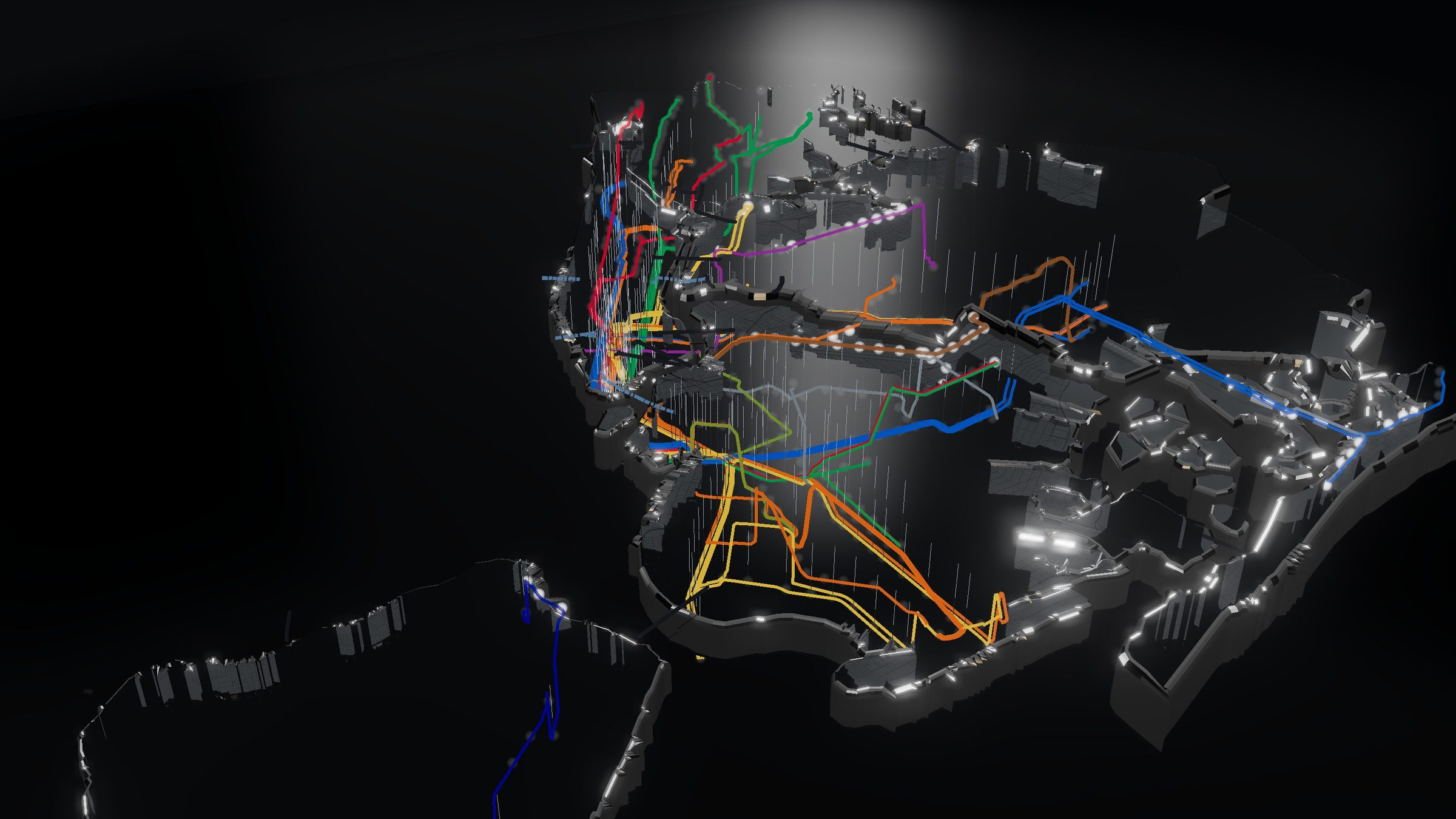
The room opens as a showroom. Each borough is cut from its real coastline, cast in chrome and set on its own stand, catalogued FB-001 to FB-005. Swipe between them, power one on, and its streets and subway light up. Then bring all five together and they lock into the full city.
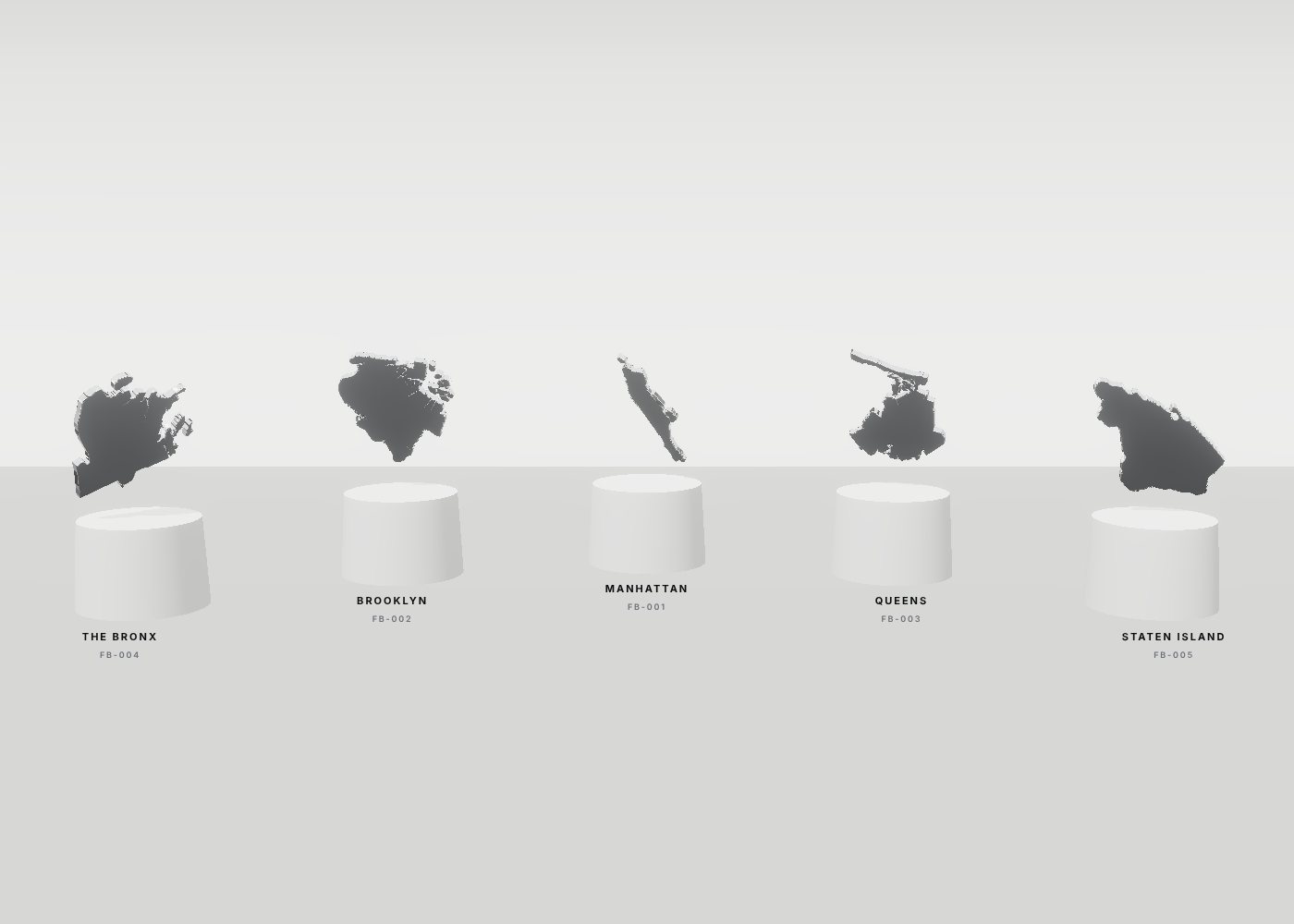
The Showroom, by day. Each piece is etched with its own streets and wired with its own lines.
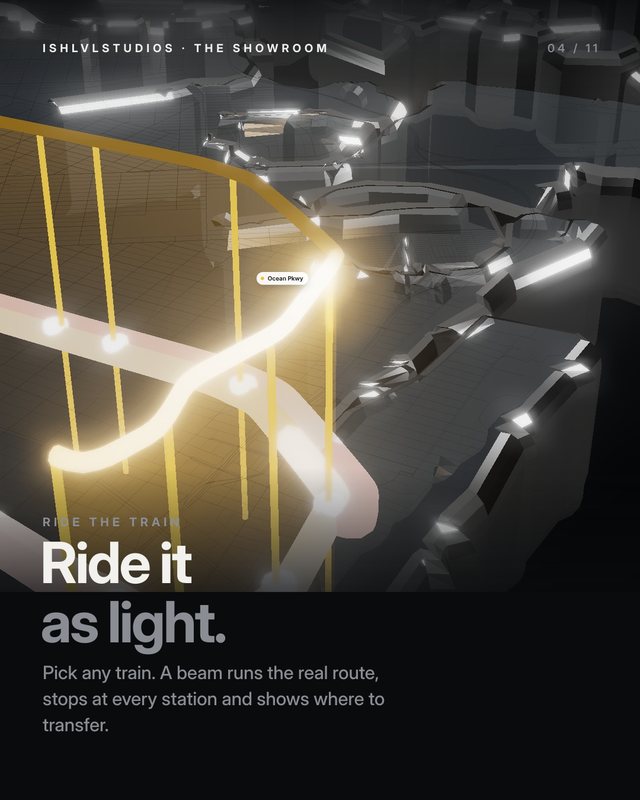
Every line as a beam of light.
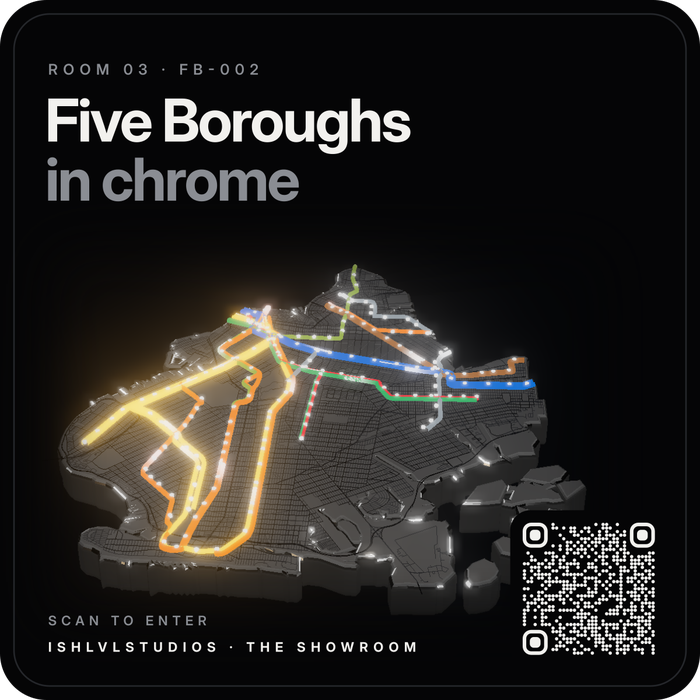
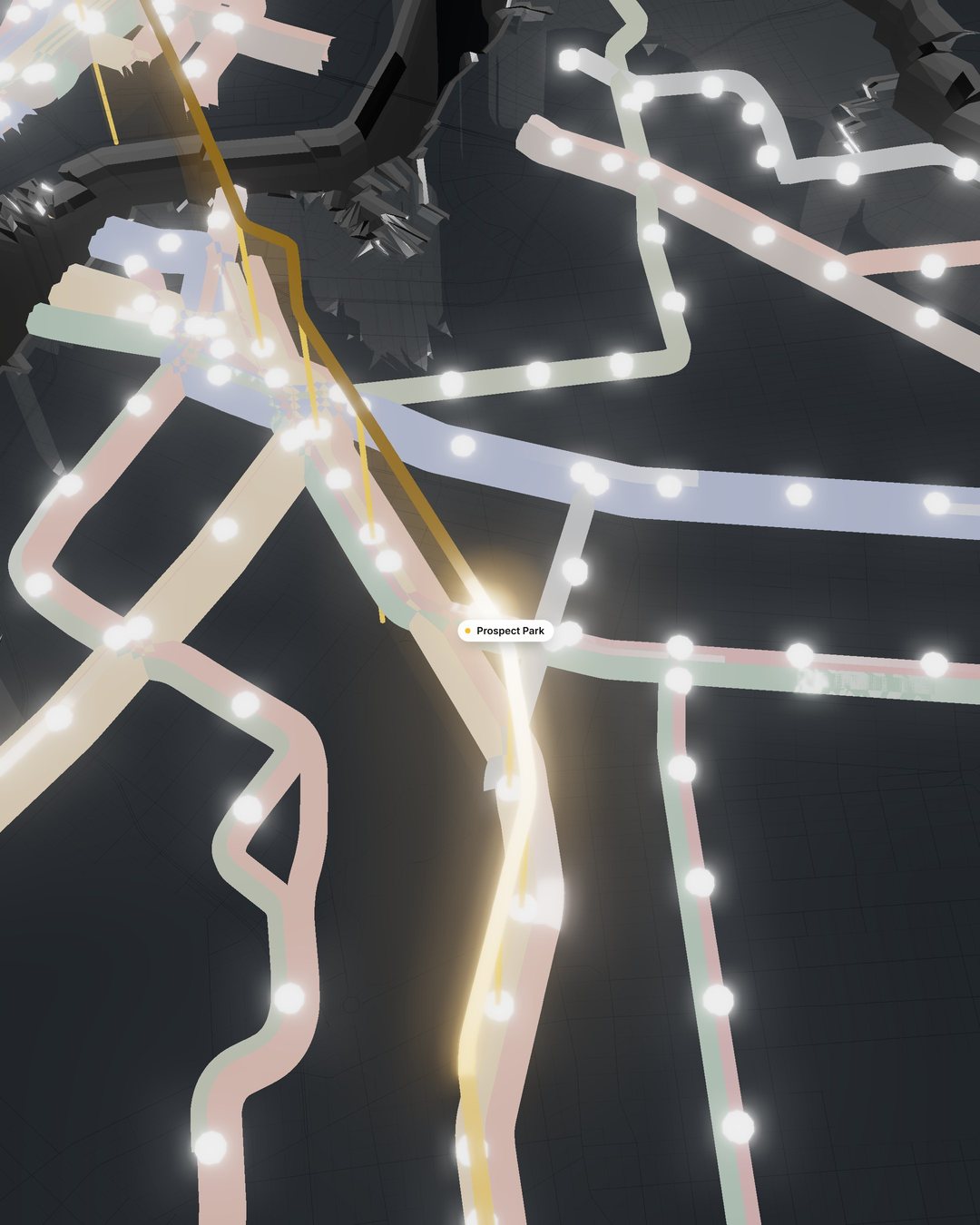
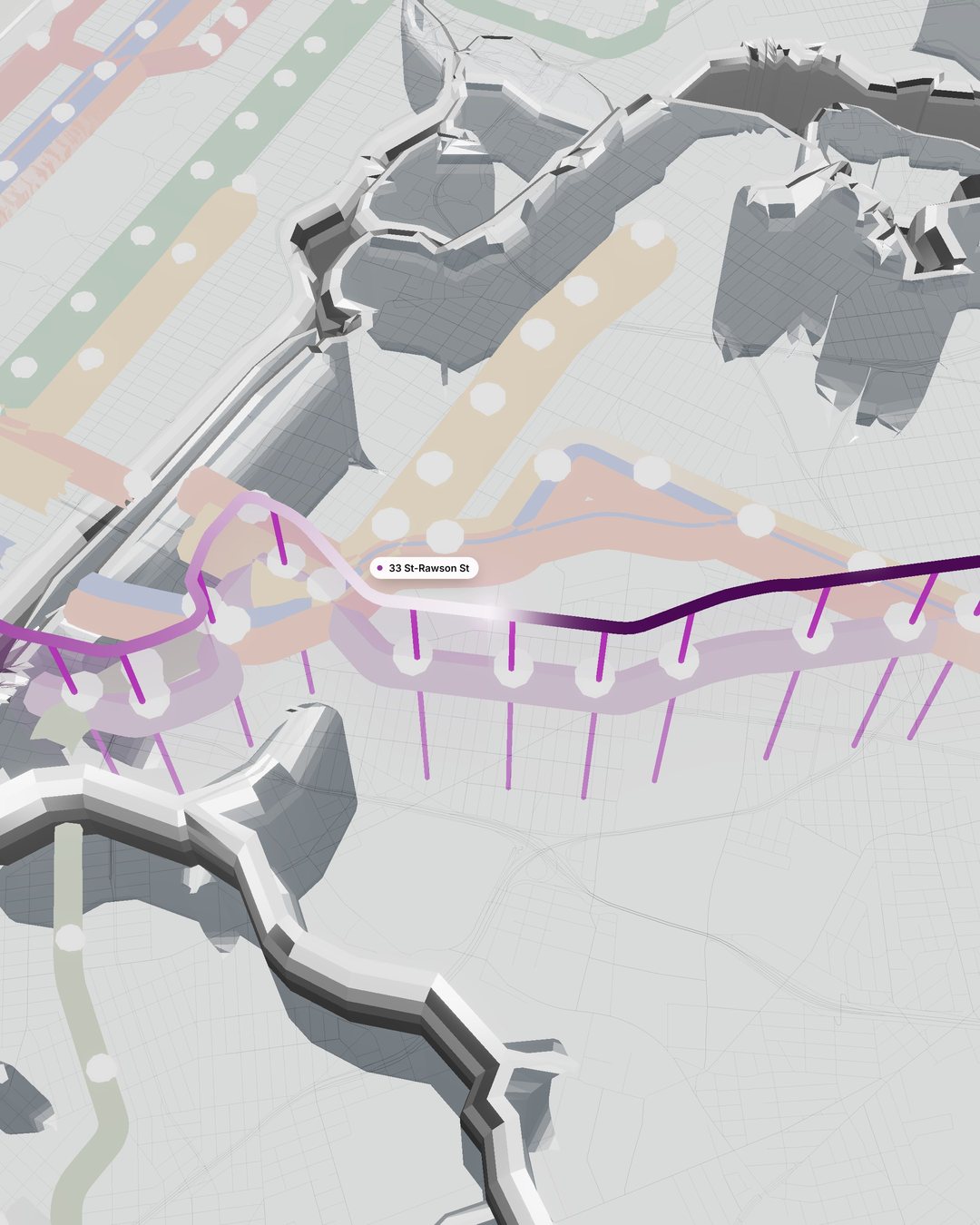
Pick any train and a beam of light runs its real route, station by station, with names appearing as it passes. The same city reads two ways: glowing at night, crisp and architectural by day, with a time-of-day slider in between.
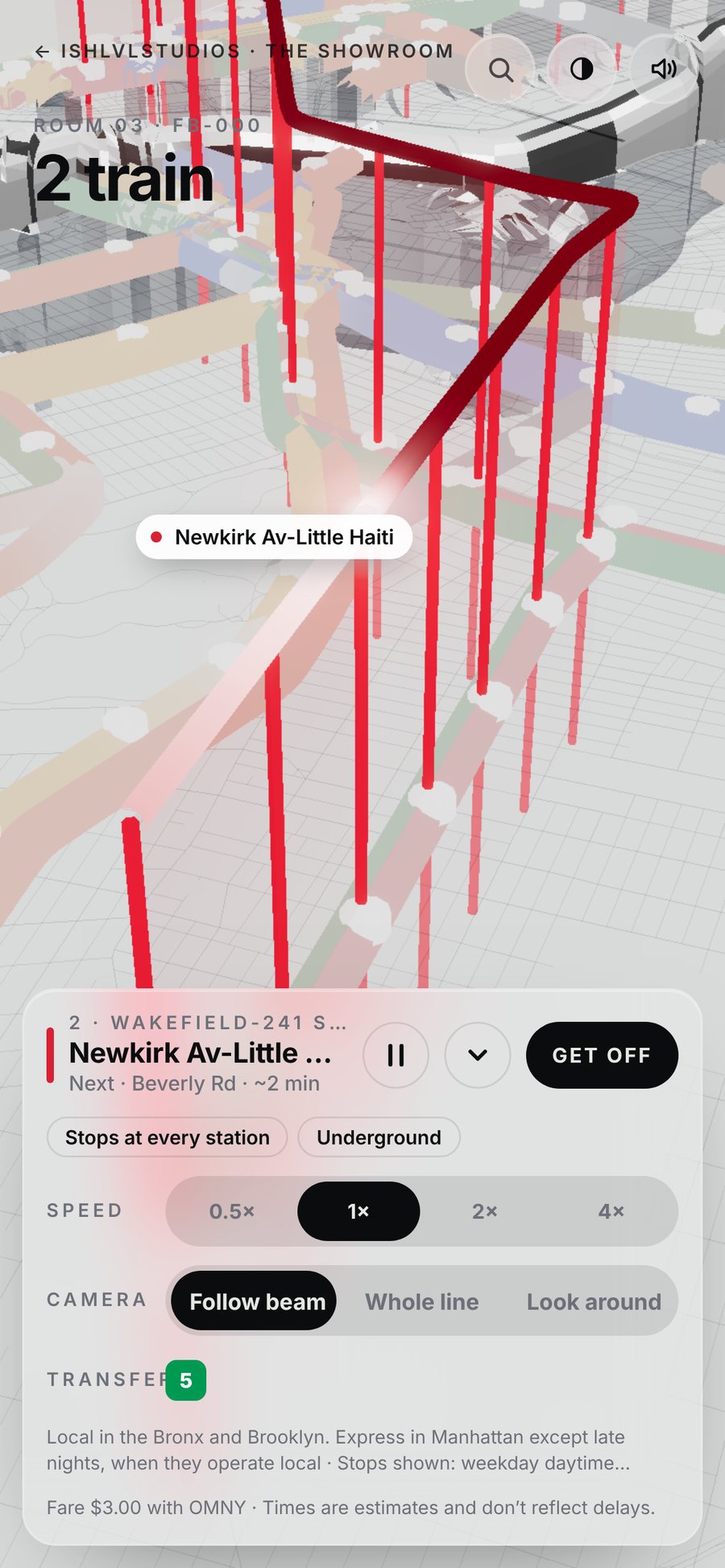
- Ride panel. Current stop, next stop and an estimated time to it, with play, pause and four speeds.
- Three cameras. Follow the beam, see the whole line, or look around freely.
- Transfers. Every connection at the current station, shown as it arrives.
- Local or express. Each line explains where it runs local and where it skips stops.
Beautiful is easy. Correct takes checking.
A New Yorker will spot a wrong stop in seconds. So every route was checked stop by stop against MTA service patterns, and the room only shows a train where it actually runs during the weekday day.
Where trains really stop
The 2 runs local in the Bronx and Brooklyn and express in Manhattan. Rush-hour-only branches are kept separate, and the room shows weekday daytime service, so the beam never stops where the train doesn't.
Routes with real transfers
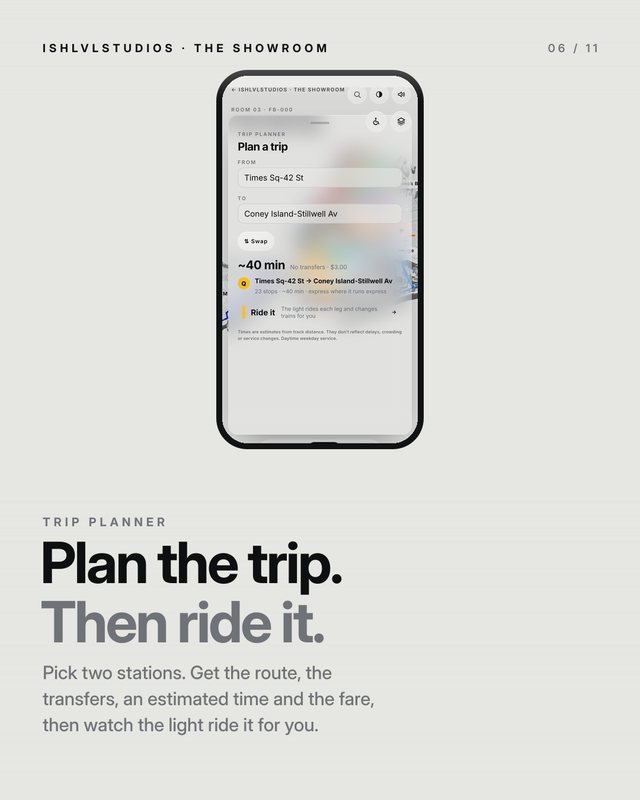
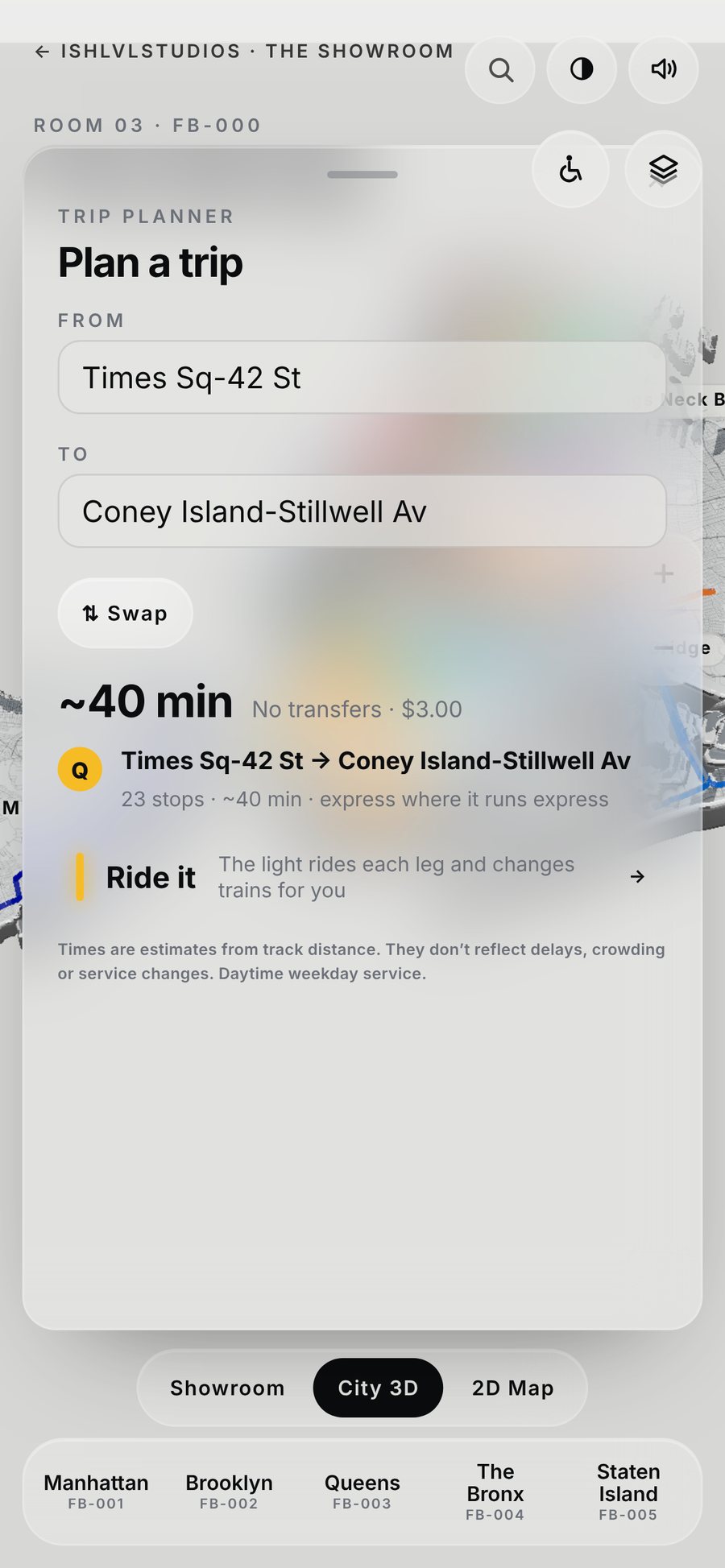
Pick two stations and the light rides the route for you, changing trains inside connected station complexes. Rush-hour-only trains are left out, and Staten Island connects by the ferry.
Step-free and fares
One tap shows every accessible station across the city. Each station card lists its trains, whether it is an express stop, and the current fare: $3.00 with OMNY, a $35 weekly cap and a $1.50 reduced fare, checked against the MTA’s published fares in effect since January 4, 2026.
A visitor reported that the J train was missing from a planned trip. That one report was enough to re-check the whole network, not just one line.
The planner now treats each MTA station complex as one place, every route was re-verified stop by stop, and weekday-only stops are marked, so trips and rides agree with the real map.
Pull it apart. Snap it back.
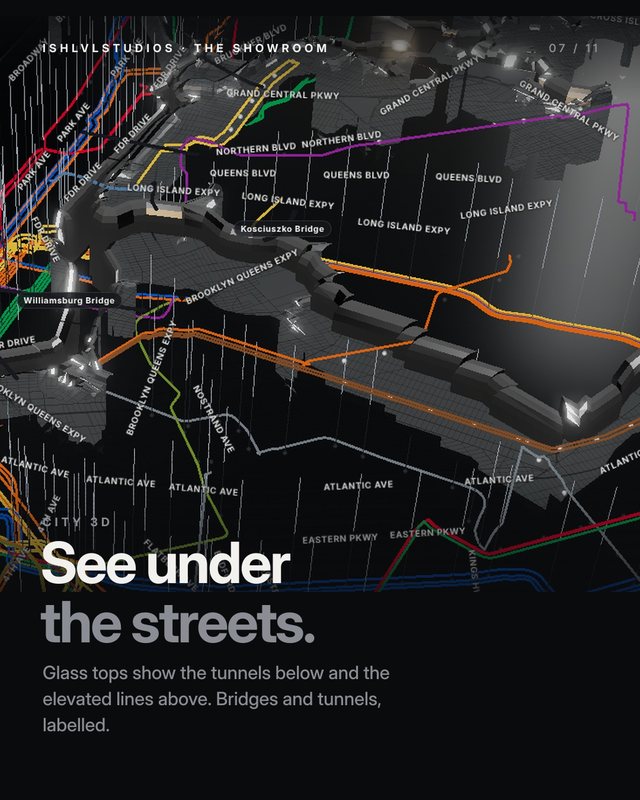
In City 3D the boroughs separate with a slider or a drag, so you can see how the lines cross the water between them. Layers switch streets, subway, names and bridges and tunnels on and off. The 2D Map flattens it all into a street map you can zoom from the whole city down to a single block.
- Bridges and tunnels. All 26 river crossings, bridges as solid lines and tunnels dashed.
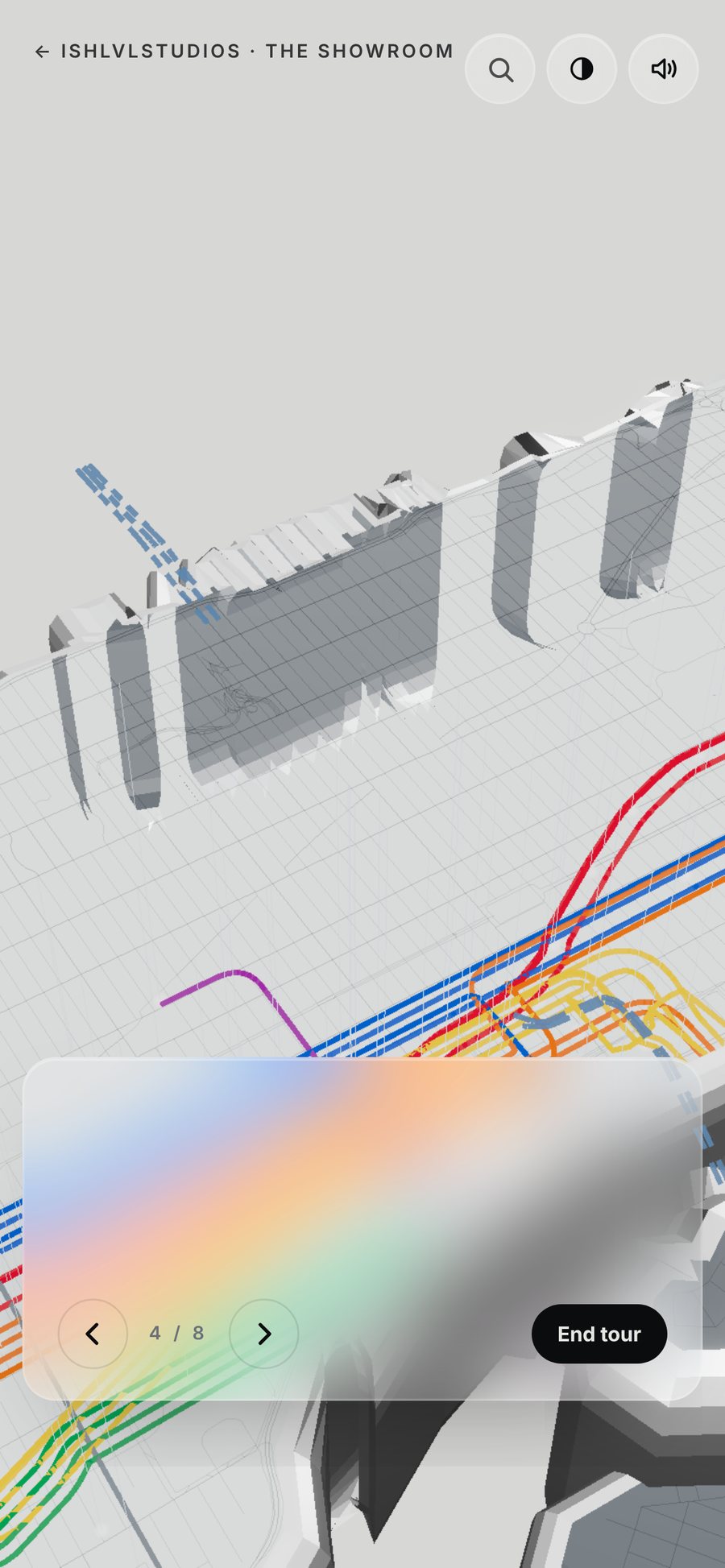
- City tour. A guided flight through all five boroughs, with arrows to skip ahead or go back.
- Guess the station. A quick quiz that drops you somewhere in the city.
- Search. Find any station and fly straight to it.
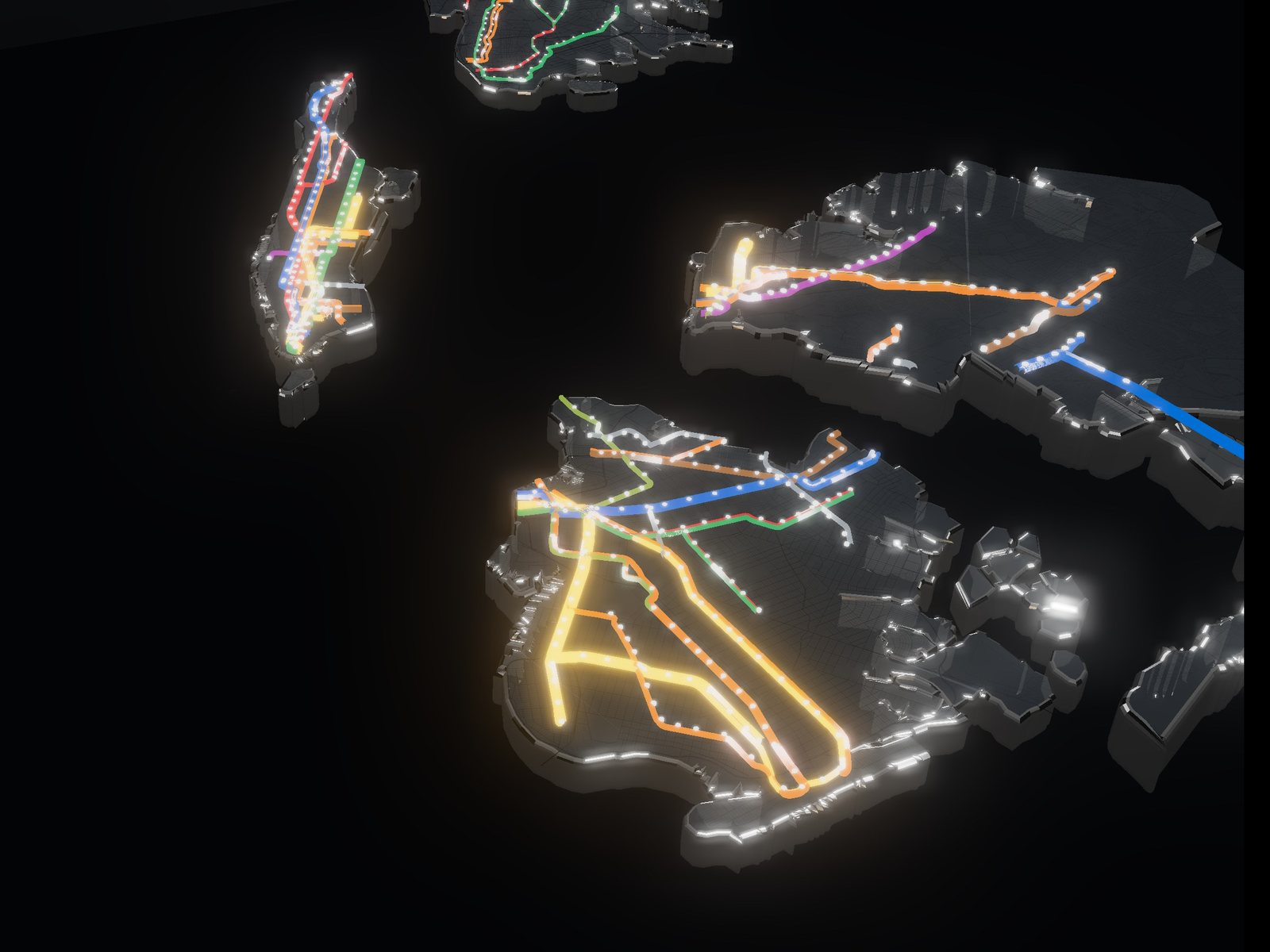
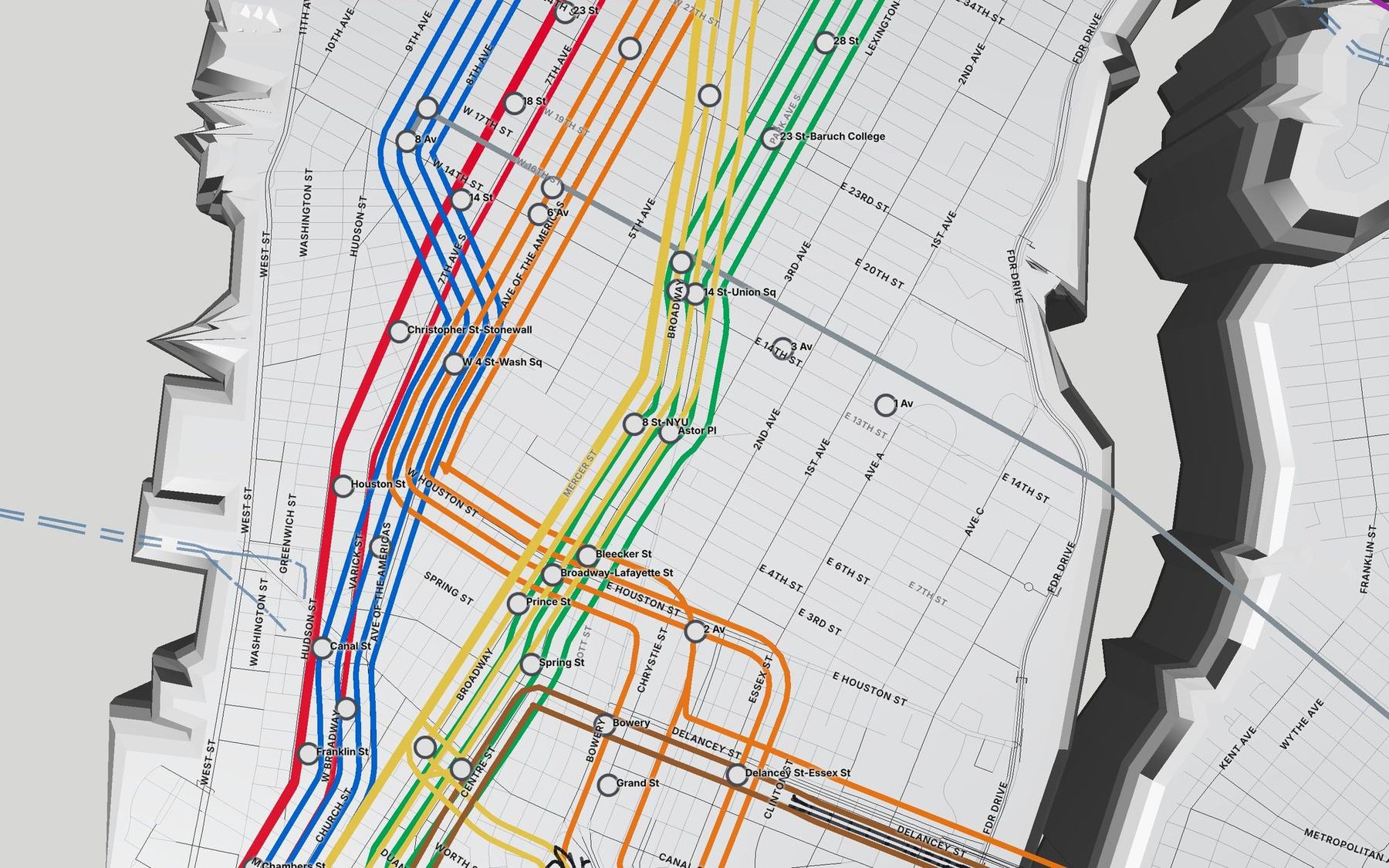
The 2D Map: 4,749 street and place names and every station, from the whole city down to a block.
Made for a thumb, not just a mouse.
Most people meet this room on a phone, often by tapping a link inside another app. So the phone version was tuned on its own, not shrunk down from the desktop.
- Smooth touch. Swipe through the Showroom, drag the beam along its line, pinch the city, with camera motion smoothed for slower phones.
- Safari, fixed. Accidental page zoom is locked out and the header sits clear of the notch and toolbars.
- Inside other apps. Tested in the in-app browsers of Threads, Instagram, Facebook, LinkedIn, TikTok and X. Shared links show a proper preview card, and the room recovers if the app pauses its 3D graphics.
- Sound, kept light. Soft tones for arrivals and taps, with one button to turn them off.
A room you can hand to someone.
The launch kit carries the same chrome and light off the screen: a vertical promo film for Reels and Stories, an 11-slide carousel for Instagram and LinkedIn, and a sticker with a QR code that opens the room.